The timeline problem
Anyone who has used a video editor knows the feeling: "I just want to cut this part — why is it so complicated?" Pro tools like Adobe Premiere and DaVinci Resolve are powerful but have a steep learning curve. Mobile tools like CapCut are intuitive but can't handle "crop + captions + thumbnail" in one go.
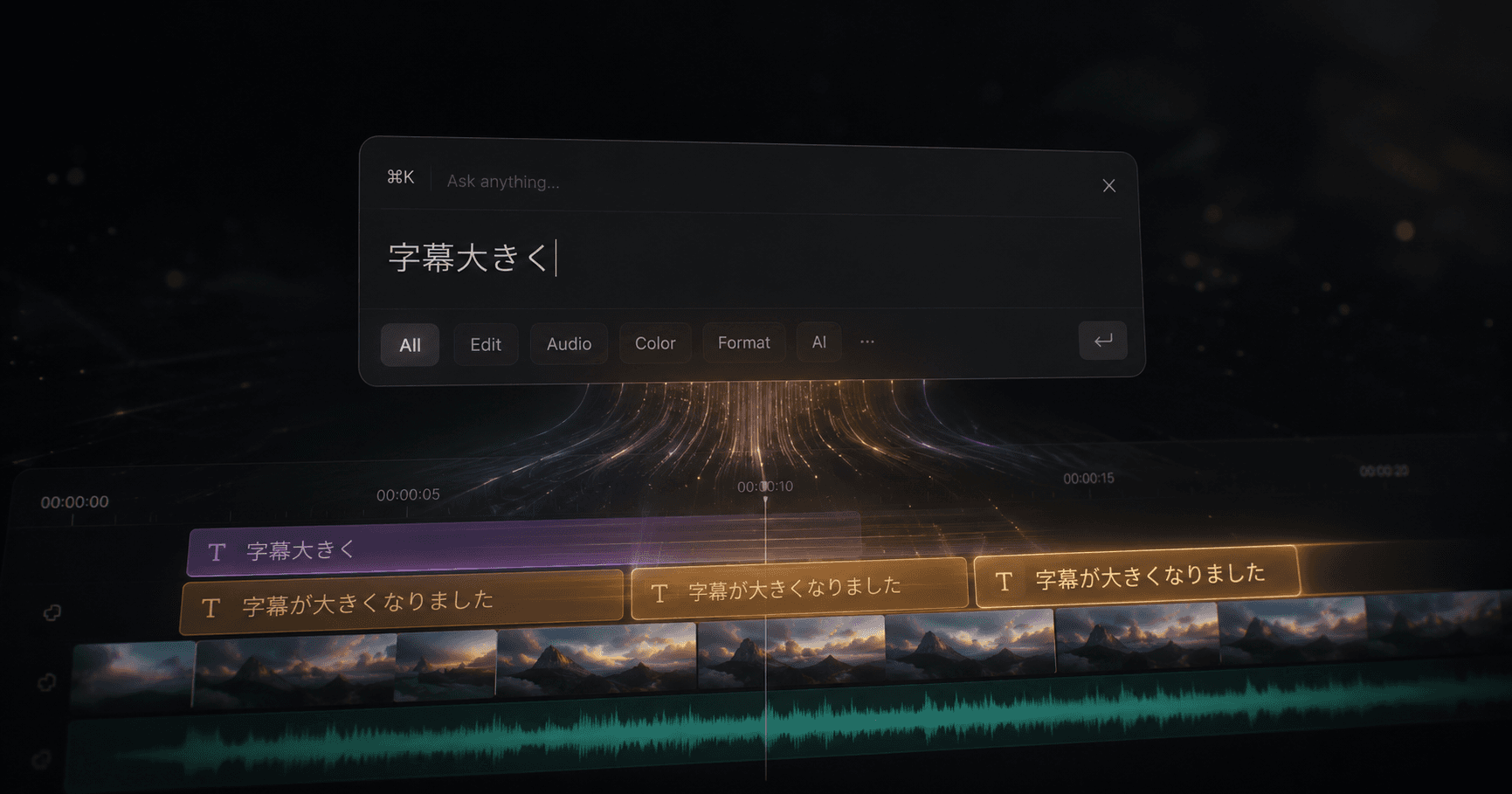
The real goal of video editing isn't to manipulate a timeline — it's to execute intentions like "cut here" or "add captions". Vibe Editing replaces the timeline interface with a chat interface.
3 principles of Vibe Editing
Choki's implementation of Vibe Editing follows three principles.
1. Intent first.Users only state their intent — "shorten to 60 seconds", "use formal tone". The AI decides which frames to cut and which filters to apply.
2. Preview to confirm.AI-generated edits are instantly previewable. Don't like it? Just say "a bit shorter". Iteration happens entirely in natural language.
3. Batch processing.One sentence — "crop to vertical, add captions, make thumbnail" — triggers 3 parallel processes. What used to take 30 minutes is done in 90 seconds.
How to use Choki
Open Choki, upload your video, then type "crop to 9:16 and add captions" in the chat. Choki's AI agent (powered by Anthropic Claude) analyzes the video, trims it to vertical with face tracking, and auto-generates captions with WhisperX.
Generated captions can be reviewed and edited in the paragraph editor. Delete caption text and the corresponding video segment is deleted too — a Descript-style approach that lets you edit video like a script.
Conclusion — democratizing video editing
Vibe Editing is the embodiment of a vision: making video editing accessible to everyone. The timeline doesn't disappear — you just don't have to think about it. Your only job is to talk to the AI.
Choki is free to try today. No credit card required. Live in 30 seconds.